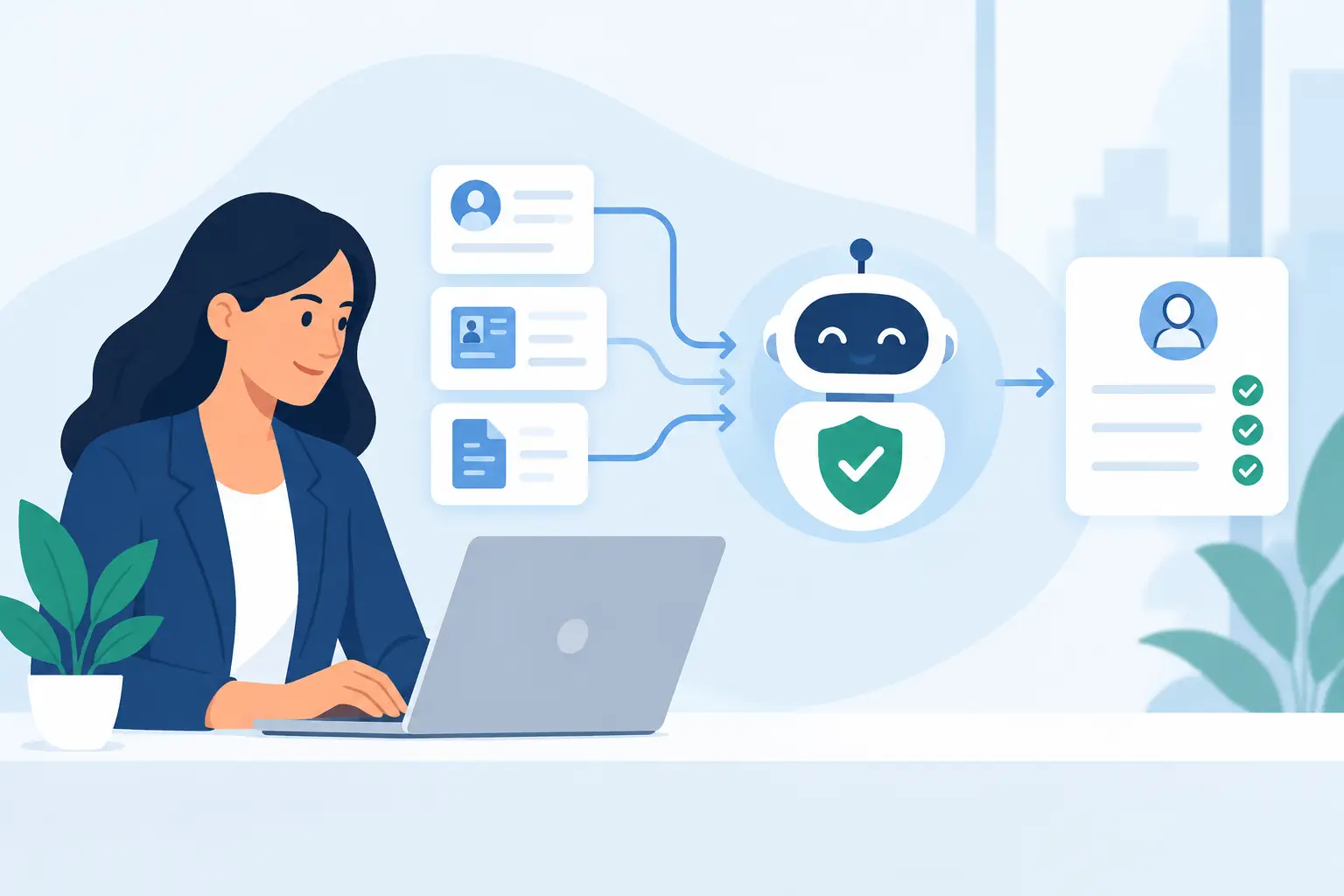
A new client emails a partially completed PDF, a photo of their driver’s license, and a question about where to sign. Two days later, a staff member discovers a required document is missing. That is not a people problem. It is a workflow problem. Compliance automation replaces this chain of follow-ups, attachments, and rekeying with a controlled process that collects the right evidence in the right order.
For small and medium-sized professional firms, the goal is not to automate judgment out of compliance. It is to remove the repetitive administration surrounding it: requesting information, checking completeness, verifying identity, routing exceptions, preparing documents, and preserving a defensible record. A complete client file, not a pile of attachments.
What compliance automation should automate
Compliance work has two distinct parts. One requires professional judgment: assessing risk, interpreting an exception, deciding whether to approve a client, or escalating a suspicious result. The other is repeatable operational work. That is where automation earns its place.
A well-designed workflow can ask clients only for information relevant to their situation. Conditional branching means a business client can be asked for entity details and beneficial-owner evidence, while an individual client sees a shorter path. If a client selects a higher-risk service, the workflow can add the appropriate disclosures, source-of-funds questions, or review steps.
The same process can collect supporting documents in defined fields rather than through unstructured email. It can validate required answers before submission, prompt clients to correct gaps, and keep documents associated with the right case. Staff no longer need to search inboxes, shared drives, and e-signature portals to determine what arrived and what is still outstanding.
Identity verification and AML, KYC, or KYB screening can also be initiated at the right moment in the journey. A low-risk inquiry may not need the same controls as a signed engagement or a credit application. Automation lets firms apply proportionate controls without relying on a team member to remember every trigger.
After review, approved data can populate document packs and flow into the CRM, case-management platform, ticketing system, or core operational software. Signed documents can be sealed and retained alongside identity evidence, screening results, timestamps, and reviewer actions. The handoff becomes an operational event, not another manual task.
The real value is control, not just speed
Faster intake is easy to understand. A client receives one mobile-friendly link instead of several emails, separate forms, and a signature request. They can complete the work when convenient, upload evidence directly, and see where they are in the process. Completion rates often improve simply because the experience is clearer.
The larger benefit is consistency. When a workflow is configured correctly, every relevant client receives the same required questions, notices, checks, and approval gates. That does not guarantee a compliant outcome by itself. It does reduce the chance that a critical step is skipped because a team member was busy, new, or working from an outdated checklist.
This distinction matters during an audit, a client dispute, or an internal review. A defensible record should show more than a signed PDF. It should establish which version was presented, what information was supplied, which checks were performed, who reviewed the case, and when decisions were made. For signatures, the appropriate evidence may include an audit trail and PAdES sealing, depending on the document type and applicable requirements.
Automation also makes ownership visible. A case can move from client completion to compliance review, then to final approval and systems delivery with clear statuses at each point. Exceptions do not disappear into someone’s inbox. They wait in a review queue with the missing information or screening result attached.
Where fragmented tools create compliance gaps
Many firms already use digital tools, but a collection of tools is not necessarily a controlled workflow. A form builder may gather answers, an e-signature platform may capture signatures, and an automation service may move data between systems. The gaps appear between those steps.
For example, a client might complete an intake form but upload an unreadable identity document. The form submits successfully, the CRM record is created, and a staff member notices the issue later. Or a corrected client address is entered in a document but never reaches the case-management system. Every handoff creates another opportunity for duplicate data, incomplete files, and uncertain version control.
A connected compliance workflow treats intake as one case from start to finish. The same data can be reused across forms and generated documents. Required evidence can be tied to specific answers. Reviewers can approve, reject, or request corrections in context. Once approved, the complete record and its final documents can be delivered through webhooks or REST APIs to the systems the team already uses.
That consolidation should not mean forcing every process into one generic template. An accounting firm onboarding a business tax client has different evidence needs from an insurance broker opening a policy or a law firm running matter intake. The platform should support reusable building blocks while allowing each workflow to reflect the firm’s service, risk model, and approval rules.
Build the workflow around decisions
The best starting point is not a list of features. It is the moment when your firm decides it can proceed with a client. Work backward from that decision.
First, identify the minimum complete file. This includes the client data, documents, disclosures, identity evidence, screening results, approvals, and signatures needed for that specific service. Separate what is legally or contractually required from what is merely useful. Asking for everything at the outset creates friction and can increase privacy risk.
Next, map the decisions that change the process. Is the client an individual or a business? Are they domestic or international? Is the requested service regulated or high value? Does a screening result require review? These are the points where conditional branching should replace generic, one-size-fits-all questionnaires.
Then define the human checkpoints. Some teams need compliance review before a document can be generated. Others can allow low-risk cases to move forward automatically while sending exceptions to a designated reviewer. The correct model depends on your obligations, risk appetite, staff capacity, and the reliability of your data sources. Automation should make escalation easier, not quietly bypass it.
Finally, decide where approved information belongs. If staff must still copy names, addresses, documents, and statuses into three systems after a client submits, the workflow is unfinished. Use structured fields and configured integrations so the record lands where operations needs it. Keep a clear system of record for the case and define who owns corrections when client data changes.
Protect the client experience and the evidence trail
Compliance controls can feel burdensome when they are presented as a series of unexplained demands. Clear language changes that. Tell clients why a document is needed, what formats are accepted, and what happens next. Show only relevant questions, provide save-and-return options where appropriate, and make the process usable on a phone.
Security should be designed into the experience rather than added as a legal footnote. Sensitive documents need encrypted storage, controlled access, retention rules, and a clear connection to the case they support. Role-based permissions matter because not every employee should see identity documents, screening details, or completed financial disclosures.
It is also worth being precise about what automation can and cannot prove. A completed field does not establish that the underlying statement is true. An identity check does not replace all due diligence. A screening result is not a final risk decision. Automation creates reliable process evidence and presents the right information for review; accountable professionals still make the decisions that require judgment.
Measure the friction you remove
Track the operational signals that reveal whether the workflow is working: time to complete onboarding, percentage of files returned for missing information, number of manual follow-ups, review turnaround, and the share of approved records delivered to downstream systems without rekeying. These measures are more useful than counting forms sent.
Start with one high-volume, high-friction journey, such as new client intake, policy onboarding, loan application intake, or business verification. Turn the existing PDF and checklist into a guided workflow, then observe where clients pause and where reviewers intervene. A no-code platform such as Braigest can help teams refine forms, branching, verification, document generation, signing, and delivery without rebuilding their operational stack.
The best compliance workflow is rarely the one with the most controls. It is the one that asks for the right evidence, applies the right checks, routes the right exceptions, and leaves both your client and your team with a record they can trust.